Planning · 3 min read
Send useful repair photos without sharing personal details
A repair photo should show the problem and enough of the surrounding area to explain it. It rarely needs the paperwork on the counter or the people reflected in a mirror. Check both the visible picture and its sharing settings before sending a project request.
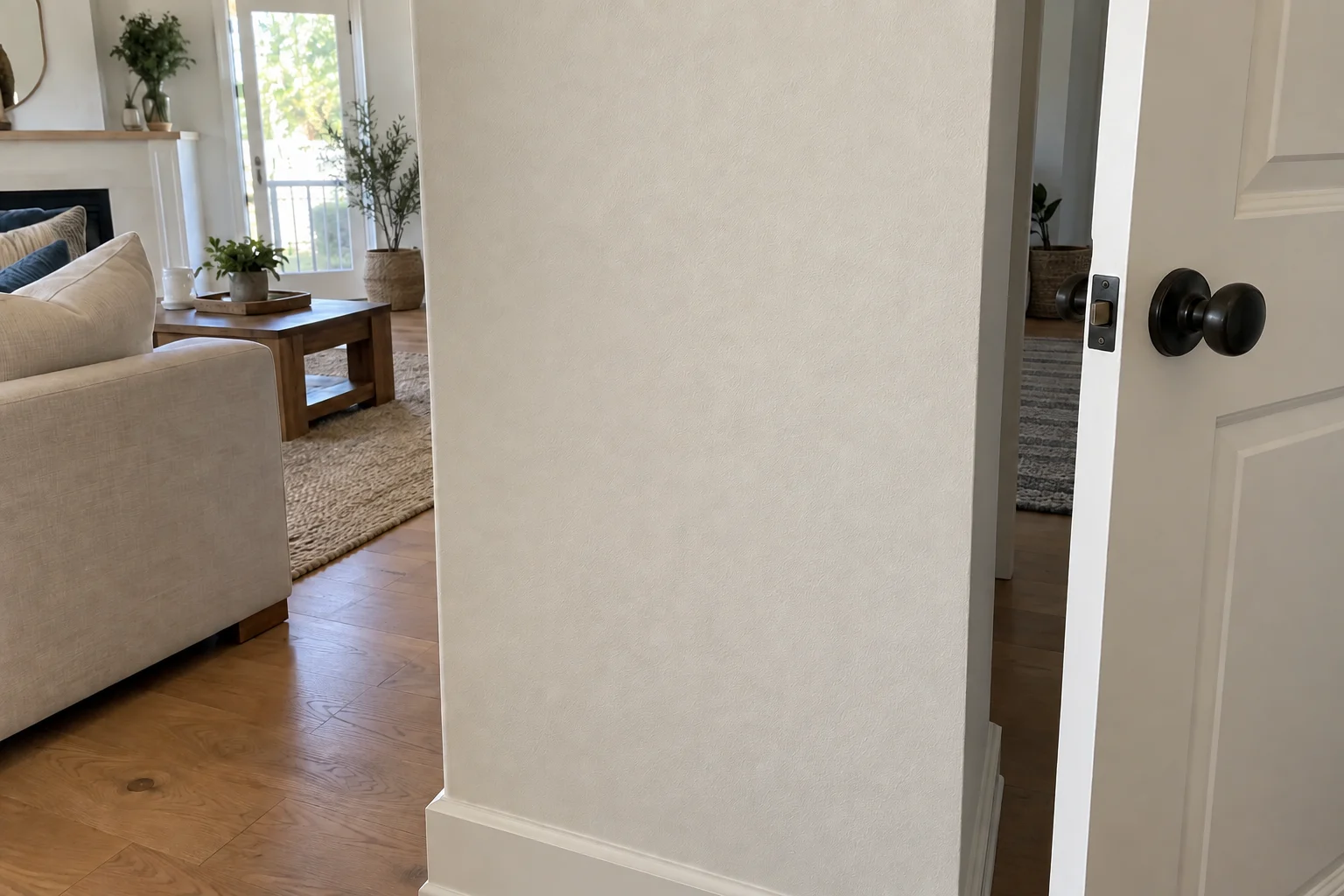
Clear the background before taking the photo
Move bills, medication labels, family calendars and other personal papers out of view. Check mirrors, glass doors and dark screens for reflections. Wait until people are out of the frame instead of making them part of a repair request.
Keep useful context: show the affected cabinet or wall and a closer view of the problem. If a product label is needed, photograph its brand and model clearly without including unrelated paperwork. For an existing photo with sensitive details, retaking it with a clean frame is often simpler than trying to obscure everything afterward.
Check location information separately
Photo files can carry location information beyond what is visible. Apple's guidance explains that camera location coordinates may be embedded in photos. When sharing selected photos from Photos on iPhone or iPad, open the share sheet, choose Options and turn off Location. Apple shows a Location Not Included indicator before you choose a sharing method.
Google Photos has a different limitation: its location-sharing controls do not change files shared outside Google Photos. Google warns that downloading and emailing a picture can retain the original camera location despite edits made in Photos. Use the linked guidance for your device and delivery method; hiding a location in an album is not the same as removing it from an email attachment.
Review the exact files you will send
Open each selected attachment at a readable size. Check that the repair is sharp, personal text is absent and any location information you intended to omit has been handled. A small thumbnail can hide a readable document elsewhere in the frame.
Google also notes that landmarks can reveal a location even when location details are hidden. House numbers, signs and distinctive exterior views deserve a separate look. Send a few selected images rather than linking a whole personal album, and check the recipient before sending.
Add a short description instead of more personal images
Give each task a simple label, such as 'hall cabinet hinge,' and use it beside the relevant photo. Describe what changed, when you noticed it and the result you want. That connects the images without requiring a tour of the entire home.
For an initial Coast & Craft request, this checklist keeps the information focused:
- Your city and the repair or installation you need.
- A clear context photo and close-up for each task.
- Product model or selected product link when relevant.
- Preferred timing and any access constraints that affect the work.
- Only the contact details needed for a reply; keep passwords and entry codes out of the photo set.
Sources & product details
Manufacturer instructions for your exact product take precedence over general planning guidance.