Furniture assembly · 3 min read
Planning a sit-stand desk: cables, monitor arms and moving clearance
A sit-stand desk needs enough room for the desktop, screens and cables to move together. Before assembly, check the whole height range and decide which equipment moves with the desk. A layout that works while seated can pull a cable tight or bring a monitor into a shelf when raised.
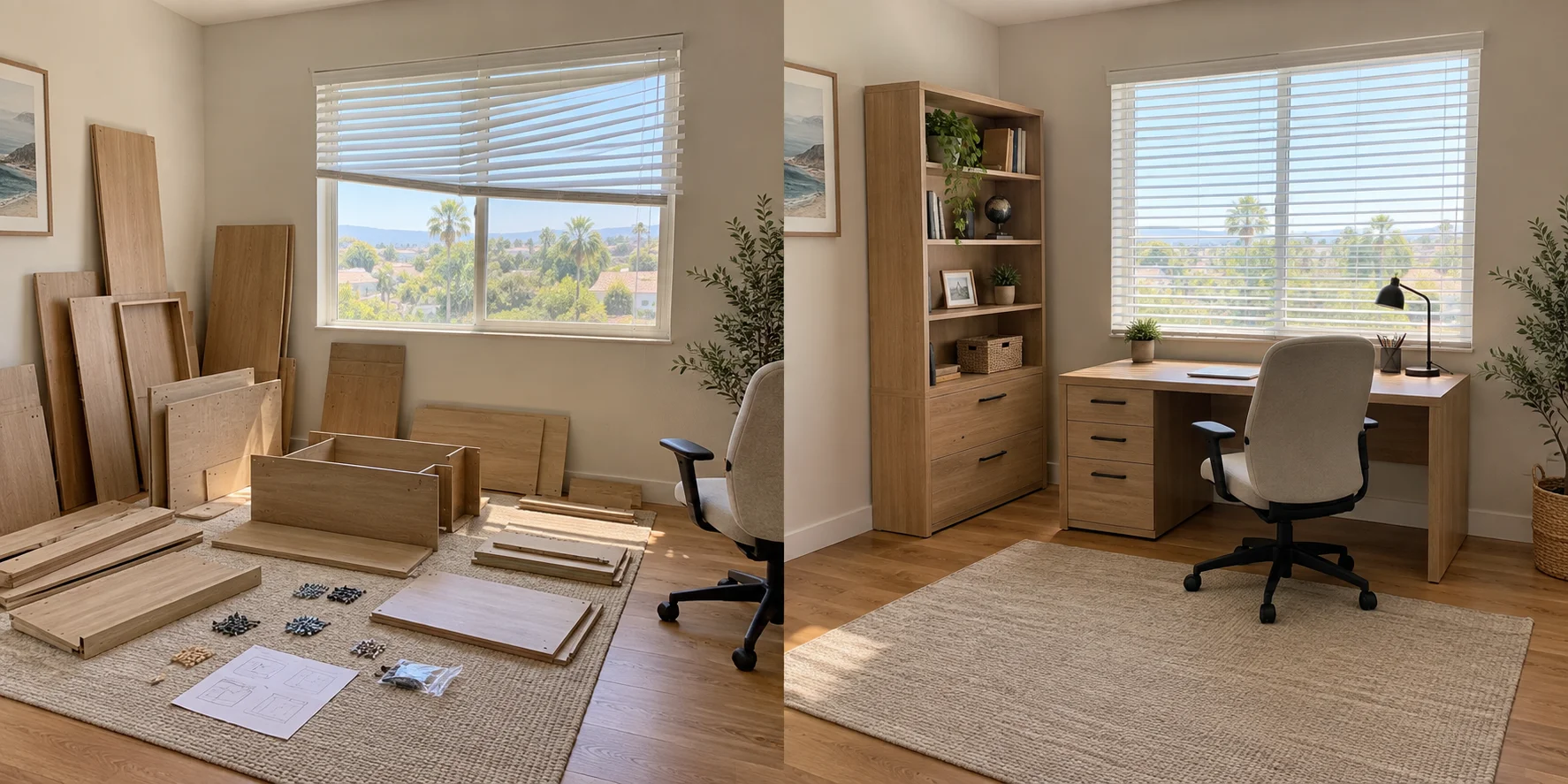
Map the space above and below the desk
Photograph the proposed position with shelves, window ledges, outlets and nearby furniture visible. Record the desk's specified height range, then include the monitor above it and any tray or computer holder below. A drawer unit beneath the top can obstruct lowering even when it fits comfortably at standing height.
UPLIFT's V2 four-leg instructions require checking surroundings on every side and maintaining clearance throughout travel. Use your model's specified gaps. Show where the monitor arm could swing toward the wall, and leave access to its adjustment points and connections.
Check both ends of the monitor arm
Send the monitor model, arm model and desktop material. Ergotron's selection guidance checks the monitor's mounting pattern, weight and size. The desk attachment needs its own assessment: measure the top at the proposed clamp location and photograph its edge and underside, including nearby frame rails or cable trays.
UPLIFT's Enfield Single Monitor Arm, for example, specifies different desktop-thickness limits for clamp and bolt-through mounting. Those limits belong to that arm. Ask whether your desktop construction and available mounting area suit the chosen attachment; thickness alone does not settle compatibility.
Trace connections between moving and fixed items
List the devices staying on the floor or wall and those riding on the desk. A floor-standing computer creates different cable routes from a computer carried in an approved holder. Include power, display, network and peripheral leads when reviewing the route.
UPLIFT requires slack for desk travel; Ergotron also calls for slack as the monitor arm moves. Ask the assembler to check both movements before securing the final cable arrangement. Excess cable also needs a route that avoids catching on furniture during lowering. Keep plugs and connectors reachable for later equipment changes.
Include accessories in the load and assembly scope
Make one equipment list covering screens, arms, the computer, trays and other attachments. Check how the desk manufacturer defines capacity: UPLIFT's load guidance includes the desktop itself in the calculation. Have each accessory's compatibility, attachment method and separate rating checked too.
Send Coast & Craft the following details so assembly and equipment setup can be reviewed together:
- Desk, desktop and accessory product links, including any reused equipment.
- Room photos, nearby obstructions and the intended sitting and standing positions.
- Which devices move with the desk and where their cables connect.
- Whether monitor fitting, accessory installation and cable organization belong in the visit.
Sources & product details
Manufacturer instructions for your exact product take precedence over general planning guidance.