Mounting & installation · 3 min read
Planning a TV mount? Send these details before the visit
“Mount a 65-inch TV” is a starting point. The TV model, wall construction and cable plan determine what the actual job involves. A few details before the visit make the request much clearer.
Send the model, not just the screen size
Include the TV model number and the mount’s model or product link. Two televisions with the same advertised screen size can have different weights and mounting patterns.
SANUS recommends checking the mounting pattern on the back of the screen against the selected bracket. The mount’s stated capacity and approved wall types also need to fit the installation. Keep its instructions and supplied hardware together.
Show the wall and the room
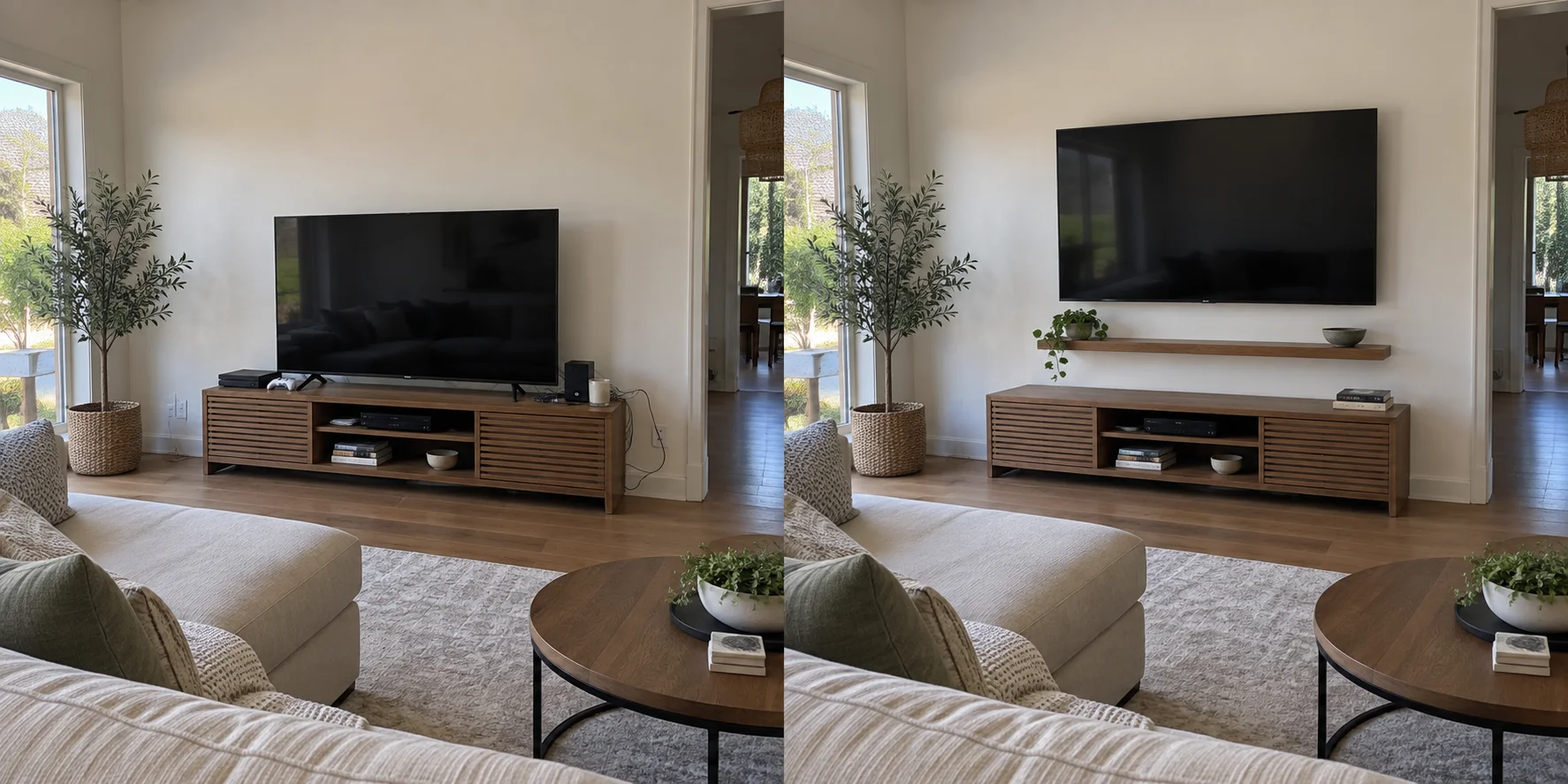
Take one photo facing the wall and another from the main seating position. Include the console, nearby windows and any fireplace in the wider shot. If you know the wall construction, say so; if you do not, leave that question open for inspection.
For a rented apartment or condo, check any property rules about wall alterations and contractor access. Mention stairs, elevator reservations or parking arrangements when you request a visit. These are access questions, not claims that every Irvine building has the same rules.
Choose the position you will actually watch
Think about where you sit most often and whether the screen needs to turn toward another part of the room. A fixed mount, a tilting mount and a full-motion mount offer different movement options.
Before settling on a height, compare the intended position with your seating and furniture. If the TV will sit above a fireplace, flag that location early so the fireplace and television manufacturers’ clearance and heat requirements can be checked.
Describe the cable finish you want
“Hide the wires” can mean several different jobs. A surface cable cover, routing low-voltage cables through a suitable wall, and adding a power outlet are not interchangeable requests.
List the equipment you use: a soundbar, streaming box, game console or receiver. Say where each item will live and which connections need to remain reachable. Do not put a standard TV power cord inside a wall; have the appropriate electrical arrangement assessed for that location.
A request you can send in a minute
Copy the checklist below into your project email. Add what you know and mark anything uncertain rather than guessing.
- City and preferred visit day.
- TV brand and model; mount brand and model.
- Photos of the wall and normal viewing position.
- Wall construction, if known.
- Fixed, tilting or full-motion preference.
- Cable cover, equipment placement and any requested outlet work.
- Any existing holes or wall damage to include in the estimate.
Agree on the finished result
Before work starts, confirm the screen location and which finishing tasks are included. Mounting the television, concealing cables, installing a soundbar and patching old holes can be separate items. A clear scope makes it easier to check the completed work together.
Sources & product details
Manufacturer instructions for your exact product take precedence over general planning guidance.