Mounting & installation · 3 min read
How to plan a soundbar with a wall-mounted TV
Plan the soundbar before deciding the TV's final position. The speaker needs its own space, mounting arrangement and cable route. If the television is already mounted, check those requirements before buying a bracket or assuming the soundbar can sit directly against the screen.
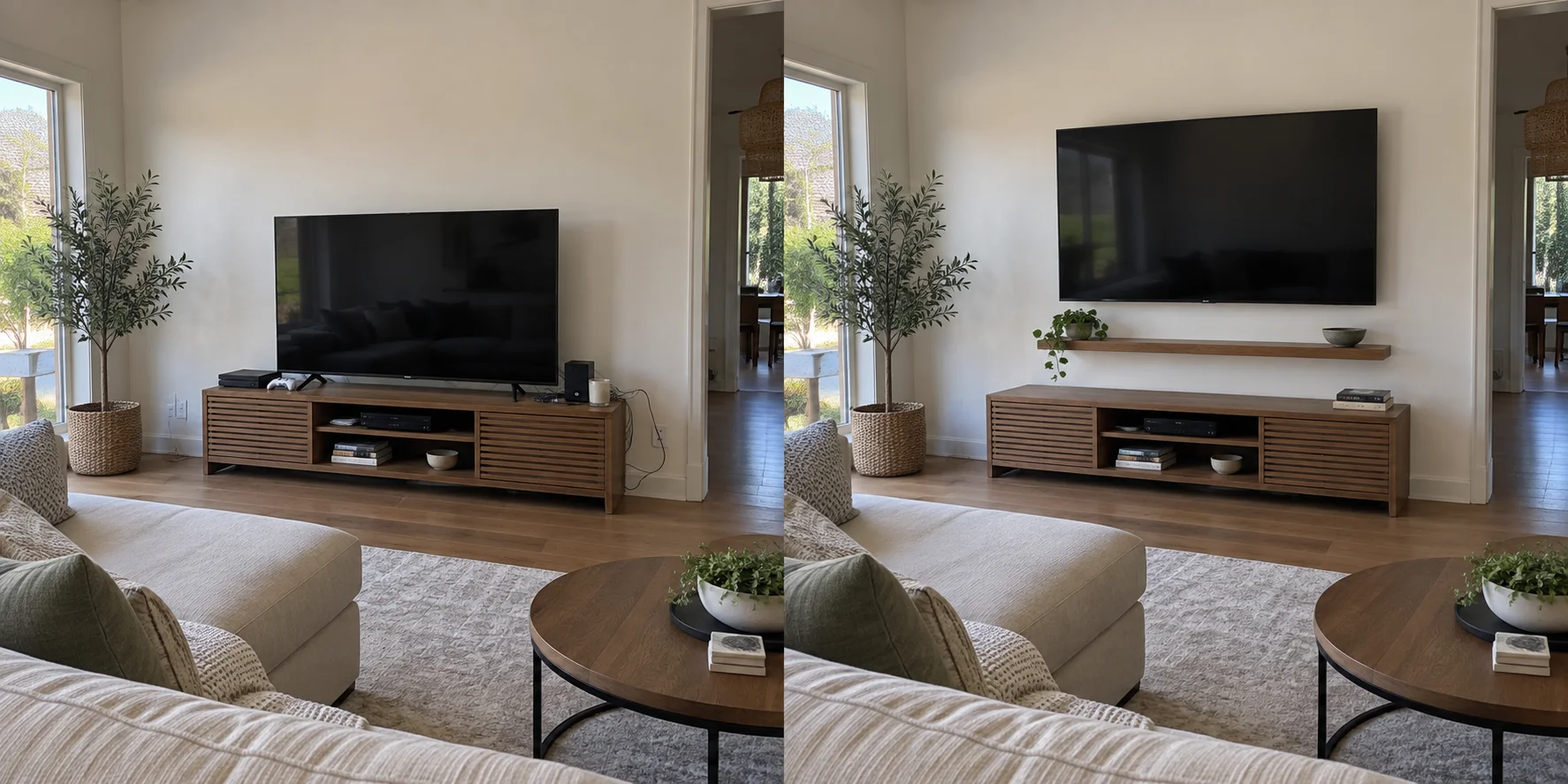
Use the speaker's clearance requirements
Start with the soundbar manual rather than a photo of another installation. For example, Sonos specifies at least 4 inches between the top of an Arc Ultra and the bottom of the TV when the speaker is below it. Its wall-mount guidance also calls for at least 1 foot at each end before a wall or other obstruction.
Those are Arc Ultra requirements, not universal soundbar measurements. Check your model's orientation, clearance and placement guidance, including any restrictions on shelves or enclosures. Compare the complete arrangement with the console below and the viewing position before approving the layout.
Decide whether the soundbar should move
A separate wall bracket leaves the speaker in one position. A compatible bracket attached to the TV mounting arrangement can let it turn with the screen. SANUS describes that behavior for its WSSATM1 bracket designed for Sonos Arc when used with a full-motion TV mount.
If you regularly turn the TV toward another seat, include that movement in the request. Have the installer check the proposed bracket's fit and clearance throughout the intended movement. A bracket described as universal still needs its compatibility limits checked against your equipment.
Check the whole assembly's weight
For a soundbar carried by the TV mount, the speaker's weight is only part of the calculation. The SANUS MFSBM1 instructions require counting the TV, soundbar, soundbar bracket and other accessories against the TV mount's capacity. That bracket also has its own separate soundbar weight limit.
Send model numbers so both limits can be checked. An unknown existing TV bracket needs identification or assessment; the television staying on the wall so far is not a capacity specification. Ask whether adding the soundbar requires temporarily removing the TV or changing existing hardware.
Plan connections and the finished appearance
Include a photo of the TV's port labels and the location of accessible outlets. For Arc Ultra, Sonos identifies HDMI ARC/eARC as the TV connection, with a separate optical adapter option. Check your own equipment's supported connections and desired audio features before choosing cables.
Agree where visible cables will run, whether a surface cover is wanted and which connections must remain reachable. Ask for cable movement to be checked with an articulating mount. Any requested new outlet or concealed electrical work should be assessed separately by the appropriately qualified provider.
- Send the TV, soundbar and existing or proposed bracket models.
- Show the whole wall, console, nearby corners and normal seating position.
- Describe how often and in which direction the TV needs to turn.
- Include cable finishing, old-hole repairs and a connection check in the scope you want Coast & Craft to review.
Sources & product details
Manufacturer instructions for your exact product take precedence over general planning guidance.